
Excel automation: let Sai clean, update and build your workbooks
This skill lets Sai work in Excel the way an analyst does. It opens your workbook, pulls in the week’s exports, cleans and merges them, refreshes formulas and pivot tables, and builds the report your team reads on Monday. Sai uses the real Excel app on its own computer, so your formulas, formats and macros stay exactly as they are, and it writes down every change it made.
The skill
# Skill: Excel workbooks

## When to use
Any task that updates, cleans or builds an Excel workbook: the weekly report, a model refresh, merging files from several teams, or tidying an export before analysis.

## Inputs
- The workbook: name and folder in Drive or OneDrive, and which tabs are inputs, calculations and outputs.
- The data: exports from the CRM, ERP or billing tool, and files emailed by team leads.

## How to work
1. Open a copy of the workbook named <name>_<date>. Never edit the master file directly.
2. Paste new data only into the input tabs, matching the existing columns. Never type over formulas.
3. Clean as you go: trim spaces, fix dates to YYYY-MM-DD, remove exact duplicate rows, keep IDs as text.
4. Refresh pivot tables and charts, then check totals against the source export. They must match to the cent.
5. If a column is missing, a total doesn't match or a formula shows an error, stop and tell me which cell.
6. Write a short change log on a Notes tab: what data went in, from where, and what changed.

## Never
- Delete tabs, rows or formulas in the master workbook.
- Run macros I haven't named in this skill.
- Email or share the workbook outside the team.

## Output
The updated workbook saved next to the master, a one-paragraph summary of what moved, and any cells that need my attention.
What it does
- Gather the inputs. Sai collects this week’s data from where it actually lives: it downloads the CRM and billing exports from their web apps, saves the files team leads emailed to the shared inbox, and opens your workbook from Drive or OneDrive. It works on a dated copy, so the master file is never touched until you say so.
- Clean the data. Each file is tidied before it goes in: extra spaces trimmed, dates put in one format, exact duplicates removed, IDs kept as text so leading zeros survive. Columns are matched by header, not by position, so a reordered export doesn’t end up in the wrong place.
- Update the workbook. Sai pastes the clean data into the input tabs only, extends tables and named ranges, and refreshes pivot tables and charts. It works inside the real Excel app, so lookups, array formulas, conditional formatting and your macros keep working exactly as you built them.
- Build the report. With the numbers in place, Sai builds the output your team reads: the summary tab, the charts and the short commentary on what moved and why, using last week’s report as the model. It can also copy the charts into a slide with the PowerPoint automation skill or paste the summary into an email draft.
- Check and hand back. Before handing over, Sai checks the output against the source: revenue in the report must equal revenue in the export, row counts must match, and no cell may show an error. It writes a change log on a Notes tab and sends you the file with anything that needs a look.
Why it works without an API
Excel automation usually means VBA macros, Power Query or a script that one person understands, and it breaks when a column moves or a file arrives in a new format. Sai works the workbook through the screen, the way you do, so it needs no code, adapts when an export changes, and can also do the parts around Excel that macros can’t: downloading exports from web apps, collecting attachments and sending the result. How computer use works.
What you get back
- An updated copy of the workbook, saved next to the master
- A short summary of what moved and why
- A change log on a Notes tab
- A list of cells that need your attention
Apps it uses
- Excel
- Google Drive
- Gmail
- HubSpot
Who it’s for
AI RevOps manager
RevOps lives in spreadsheets: pipeline snapshots, bookings by rep, forecast roll-ups and commission sheets built from CRM exports every week. An AI RevOps manager with this skill does the export, the clean-up and the roll-up, so Monday’s pipeline review starts with a finished workbook instead of an afternoon of copying.
- Weekly pipeline and bookings report
- Forecast roll-ups by region
- Commission sheets from CRM exports
Read the AI RevOps manager guide
AI bookkeeping
Month-end close runs on workbooks: bank reconciliations, accrual schedules, departmental P&Ls. An AI bookkeeper uses this skill to drop in the month’s exports, refresh every schedule and check that each tab ties out to the ledger, leaving your accountant to review the differences.
- Month-end close workbook
- Reconciliation schedules
- Departmental P&L
AI chief of staff
Founders keep the company’s numbers in a handful of workbooks: the KPI sheet, the model and the board pack. An AI chief of staff with this skill refreshes them from Stripe, the CRM and analytics every week, and updates the financial model when actuals land.
- Weekly KPI sheet
- Model refresh with actuals
- Board pack numbers
Read the AI chief of staff guide
AI research analyst
Research means pulling numbers from many sources into one comparable table. An AI research analyst uses this skill to merge datasets, normalize units and dates, and keep a tracking workbook current, with a note of where every number came from.
- Market and competitor trackers
- Merging datasets from several sources
- Updating a model from a press release
Read the AI research analyst guide
Common variations
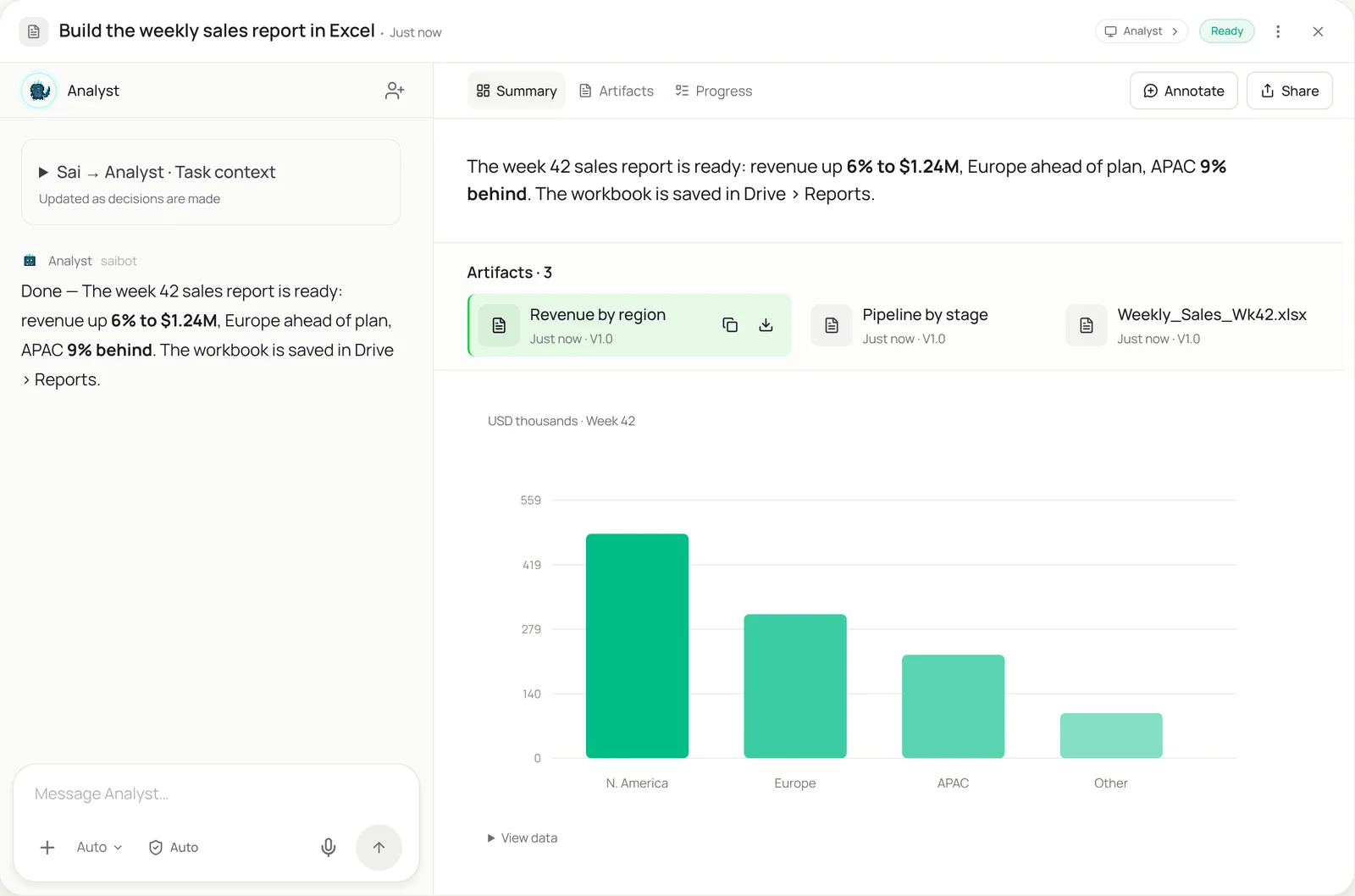
- The weekly sales report: CRM export in, summary tab and charts out
- Merge files from several teams: One workbook per region, combined into a master
- Clean a messy export: CRM or ERP export tidied before analysis
- Update a model from a press release: New figures typed into the input tab, model rechecked
- The month-end close workbook: Bank and ledger exports into the close schedules
- Excel charts into PowerPoint: Refreshed charts pasted into the weekly deck
Routines that use this skill
- Competitor price monitoring: Check rival product pages every week and log price, sale price and stock in your sheet, with changes flagged.
- MAP pricing monitoring: Check every retailer listing your products against your minimum advertised price and log the violations with screenshots.
- Automated SEO reports: Pull clicks, rankings and top pages from Search Console and your SEO tool every Monday, and build the weekly SEO report.
- Automated client reporting: Collect each client’s numbers from ads, analytics and social dashboards and fill their monthly report template.
- Shopify inventory report: Read stock levels through your Shopify app connection every morning, flag low-stock products and draft the reorder list.
- Bank and credit card reconciliation: Match bank and card transactions to the books every week and list everything that doesn’t tie out.
- Month-end close checklist: Work through the close checklist on the first of the month: exports, schedules, tie-outs and a status note.
- Timesheet reminders: Check who hasn’t submitted a timesheet before payroll and draft a friendly reminder for each person.
More skills
- PowerPoint automation: Update a deck with new numbers, charts and notes, slide by slide, in the real PowerPoint app, without breaking the template.
- Website data to Excel or Sheets: Pull prices, listings and tables from websites with no export into a clean Google Sheet or Excel file, on a schedule if you want.
- QuickBooks automation: Enter bills, attach receipts and code bank transactions in QuickBooks Online by your rules, with big bills and unknowns left for you.